
How Do AI Business Photo Generators Create Realistic Headshots?
This article is part of our AI Headshot Tools collection.
You upload a regular photo, click a button, and get back what looks like a studio headshot. But what's actually happening behind the scenes? How does an AI look at your selfie and produce something that passes for a professional photograph?
It's not magic (though it sometimes feels like it). There's real, interesting technology doing the heavy lifting. Let's break it down in plain English.
What is an AI business photo generator?
It's a tool that takes your photo and generates a new, professional-looking headshot using artificial intelligence. You don't need a photographer, a studio, or even good lighting. The AI handles all of that.
These tools are trained on millions of real photographs. They've "seen" enough professional headshots to understand what makes one look good — the lighting, the pose, the background, the way a suit jacket sits on someone's shoulders. When you upload your photo, the AI uses everything it's learned to create a new image that looks like you walked into a professional studio.
The main use cases are pretty straightforward: website bios, LinkedIn photos, company team pages, email signatures, and marketing materials. Basically anywhere you need a professional photo but don't want to deal with the cost and logistics of a real photoshoot.
BetterPic is one of the more advanced tools in this space, and we'll use it as an example throughout to explain how the technology works.
How does the AI actually generate a headshot?
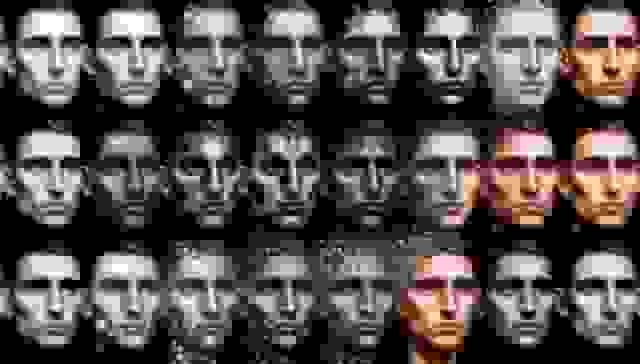
This is the core question, and the answer involves something called a diffusion model. Don't let the name scare you — the concept is actually pretty intuitive.
Think of it like this: imagine you have a clear photograph and you gradually add static (noise) to it until it's completely unrecognizable — just random dots. A diffusion model learns to do this process in reverse. It starts with noise and gradually removes it, step by step, until a clear image appears.
Here's what happens when you upload a photo to a tool like BetterPic:
Step 1 — The AI learns your face. A separate model is fine-tuned specifically for you. It studies your facial features, skin tone, hair color, body type, and the little details that make you look like you. This is why good source photos matter — the more the AI has to work with, the better it understands what you actually look like.
Step 2 — It generates the headshot. Starting from random noise, the AI gradually builds an image guided by two things: what it knows about your face and the style instructions it's been given (background, clothing, lighting, etc.). With each step, the image gets sharper and more detailed.
Step 3 — It checks its own work. The system uses something called perceptual loss — basically, it compares the generated image against real photographs and asks "does this look like a real photo?" If it doesn't, it adjusts. This is what keeps AI headshots from looking like paintings or video game characters.
Step 4 — Quality control kicks in. Multiple AI systems review the final image. They check whether it actually looks like you, whether there are any weird artifacts (extra fingers, strange clothing folds, blurry patches), and whether the overall quality meets the standard. At BetterPic, the output is upscaled to 4K resolution during this stage.
The whole process takes minutes, not hours.
How do AI headshots look so realistic?
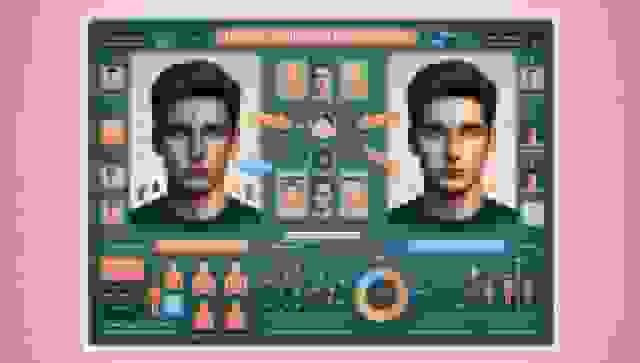
Getting an image to look "professional" is one thing. Getting it to look like an actual photograph — where your brain can't tell the difference — is much harder. Here's what goes into it:
Training on millions of real photos. The AI models are trained on massive datasets of actual high-resolution photographs. They learn what real skin looks like, how light bounces off a cheekbone, how fabric wrinkles around a collar. The training data is the foundation — garbage in, garbage out.
Perceptual loss functions. Instead of comparing images pixel by pixel (which doesn't capture how humans actually see), the AI compares them the way your brain would. Two images can be different at the pixel level but look identical to a human eye. Perceptual loss teaches the AI to optimize for what looks real to people, not what matches mathematically.
Attention mechanisms. The AI doesn't process the entire image equally. It pays extra attention to the parts that matter most — your eyes, your skin texture, the edges of your hair. These are the details where "almost real" falls apart, so the model focuses its resources there.
Post-processing. After the AI generates the image, additional processing sharpens details, corrects colors, and removes any remaining noise. Think of it as the digital equivalent of a photographer doing final edits in Lightroom.
Human review. This is the part most tools skip but it makes a big difference. At BetterPic, human editors review the AI output and catch things that automated systems miss — a slightly unnatural shadow, a collar that doesn't sit quite right, skin that's been smoothed a touch too much.
How do AI generators handle different skin tones and demographics?
This is a genuinely important topic and one that the industry hasn't always gotten right.
Early AI image generators were trained mostly on photos of lighter-skinned people. The result? They produced great headshots for some demographics and noticeably worse results for others. Skin tones would be off, hair textures wouldn't look right, and facial features got subtly distorted.
Good AI headshot tools actively work against this by:
- Training on genuinely diverse datasets — not just adding a few photos of different demographics as an afterthought, but building datasets that represent the full range of skin tones, ages, ethnicities, genders, and physical features
- Testing across demographics — running the same quality checks for every group and flagging when results are better for some people than others
- Continuously improving — bias in AI isn't a problem you fix once. It's something you monitor and address with every model update
At BetterPic, this is an ongoing priority. The models are regularly tested and updated to make sure the output is consistently good for everyone, not just some people.
What kind of customization can you get with AI headshots?
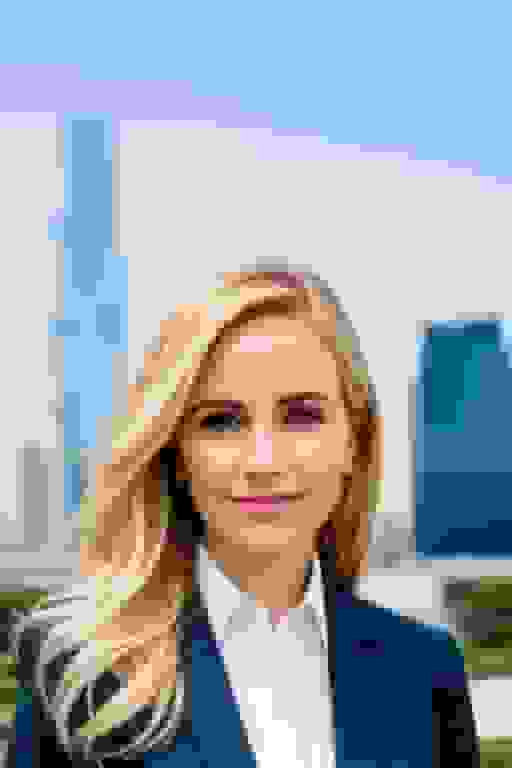
More than you'd expect. The days of "here's one generic headshot, take it or leave it" are over.
Most good AI headshot tools let you control:
- Clothing — Pick from business suits, casual tops, creative outfits, or whatever matches your profession
- Backgrounds — Solid colors, office environments, outdoor settings, or branded backgrounds
- Lighting style — Soft and warm, bright and modern, dramatic with shadows — the lighting sets the mood of the whole photo
- Composition — How tight the crop is, the angle, whether it's head-only or includes shoulders
BetterPic offers style combinations across all of these, so you can get a headshot that feels right for your specific role and industry. A financial advisor and a graphic designer probably shouldn't have the same headshot style, and they don't have to.
How does AI handle lighting and backgrounds?
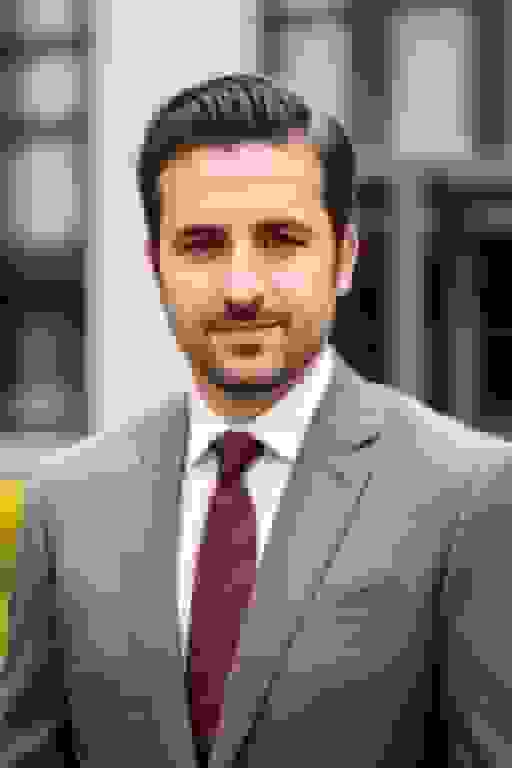
Lighting and backgrounds are arguably the hardest parts to get right in AI-generated photos. In real photography, the lighting interacts with the background, the subject, and the clothing all at once. If the AI doesn't nail these interactions, the result looks like a bad Photoshop job.
Here's how the better tools handle it:
Lighting estimation. The AI analyzes your source photo to understand where the light is coming from. Then when it generates the headshot, it places virtual light sources in the right positions so the shadows and highlights on your face match the background and environment.
Background generation. Rather than just pasting you onto a background (which never looks right), the AI generates the background and the subject as one unified image. The lighting, shadows, and focus all work together because they were created together.
Consistency across a set. If you're generating multiple headshots (say, for a team), the lighting and background stay consistent across every image. This is actually easier for AI than for a real photographer, since the "studio setup" is defined once and applied identically every time.
The result should be a headshot where everything feels like it belongs together. Your face, the lighting on your face, the background, and the ambient mood should all tell the same story.
What about styles — can AI headshots have personality?
Absolutely. AI headshot tools have come a long way from "generic corporate photo."
At BetterPic, the style options span everything from traditional corporate to modern and casual. You can get:
- Formal business — suit, neutral background, clean lighting. The classic.
- Modern professional — slightly more relaxed, contemporary backgrounds, less rigid posing
- Casual professional — no jacket needed, warmer tones, more approachable feel
- Creative — unique backgrounds, more personality in the shot, works great for designers, marketers, and freelancers
- Home office — this one's newer and growing fast. Remote workers want headshots that look professional but also reflect their actual work-from-home reality
You can mix and match clothing, backgrounds, and environments. The AI generates everything as one coherent image, so even unusual combinations look natural rather than cobbled together.
What are the ethical concerns with AI-generated headshots?
Worth talking about honestly.
The deepfake question. As AI-generated images get more realistic, the potential for misuse grows. Someone could theoretically use these tools to create fake identities or misrepresent themselves. Responsible AI headshot companies take this seriously by requiring you to submit photos of yourself (not someone else) and by implementing safeguards against misuse.
Privacy and consent. You're uploading photos of your face to a third-party service. You should know: where are your photos stored? Who has access? Are they deleted after processing? At BetterPic, subprocessors operate in Europe and the USA with full GDPR and CCPA compliance.
Transparency. Should you tell people your headshot was AI-generated? There's no legal requirement in most places, but some people have strong opinions about it. Our take: an AI headshot that accurately represents what you look like is fundamentally honest. It's no different from a photographer using good lighting and a flattering angle — you're still you.
These are real considerations, and the industry needs to keep taking them seriously as the technology gets better.
What's the bottom line on AI business photo generators?
The technology behind AI headshots is genuinely impressive — diffusion models, perceptual loss, attention mechanisms, and a whole pipeline of quality control working together to produce photos that look like you stepped into a studio.
But from a practical standpoint, the appeal is simpler: you get a professional headshot in minutes, for a fraction of what a photographer costs, without leaving your desk. The quality has reached the point where most people can't tell the difference between AI and traditional photography.
If you need professional photos for your business — whether that's one headshot for LinkedIn or 200 for your team page — AI generators are now a legitimate, often better option than the old way of doing things.
Sources & References
- LinkedIn Profile Photo Tips — LinkedIn
- How Your Profile Photo Impacts Your LinkedIn Presence — LinkedIn Official Blog
- AI Image Generation Market Report — Grand View Research
- How AI Is Changing Photography — Forbes
- Professional Headshot Photography Pricing — Thumbtack

Written by
Apoorv SharmaHead of Performance
Apoorv leads performance and growth at BetterPic with 9+ years of experience across SEO, SEM, and growth marketing. He oversees content strategy, data-driven marketing, and hands-on testing of AI headshot platforms. Previously held senior performance marketing roles across the US, Belgium, and India.
- Google Analytics & Google Ads certified
- HubSpot Inbound & Content Marketing certified
- 9+ years in SaaS growth and performance marketing
Related professional headshots for individuals resources
Keep exploring this topic with focused resources from the B2C journey.
Primary destination:BetterPic homepage
Frequently Asked Questions
How can AI professional photos help my social media presence?
- AI professional photos offer a cost-effective way to create high-quality, personalized headshots and visuals for your social media profiles. They allow you to experiment with creative styles, maintain a consistent brand aesthetic across platforms, and represent diverse identities.
Can AI really capture authentic and natural-looking photos?
- Yes, modern AI image generation models are capable of producing remarkably realistic and natural-looking professional photos. However, it's important to use AI responsibly and transparently to maintain authenticity and avoid potential misuse.
How do I get started with using AI for my professional photos?
- There are various AI image generation tools and services available, such as BetterPic, DALL-E, and Mid-journey. Many offer user-friendly interfaces where you can input text prompts or upload reference images to generate custom professional photos.
Are there any concerns or ethical considerations with AI professional photos?
- While AI professional photos offer many benefits, there are ethical considerations around privacy, consent, intellectual property rights, and potential biases in the training data. It's crucial to use AI transparently, respect individual rights, and address any biases or inaccuracies.
How can I ensure my AI professional photos look unique and tailored to my brand?
- Most AI image generation tools allow you to provide detailed text prompts, reference images, and adjust parameters to customize the generated photos. Experiment with different prompts, styles, and settings to create unique visuals that align with your personal or brand identity.
Save 87%on average on your professional photos.
Whenever, wherever you are.
Get studio-quality, 4K images in a variety of outfits & settings in less than an hour.
Get your headshots nowStart now
